
Vera is an independent creative canvas for arranging and making designs. Scoreplay Studio explores a different creative act: following sheet music and hearing it played back. The projects have different audiences and technical questions, but both ask how software can help someone move from “I have an idea” to “I can try it now.”
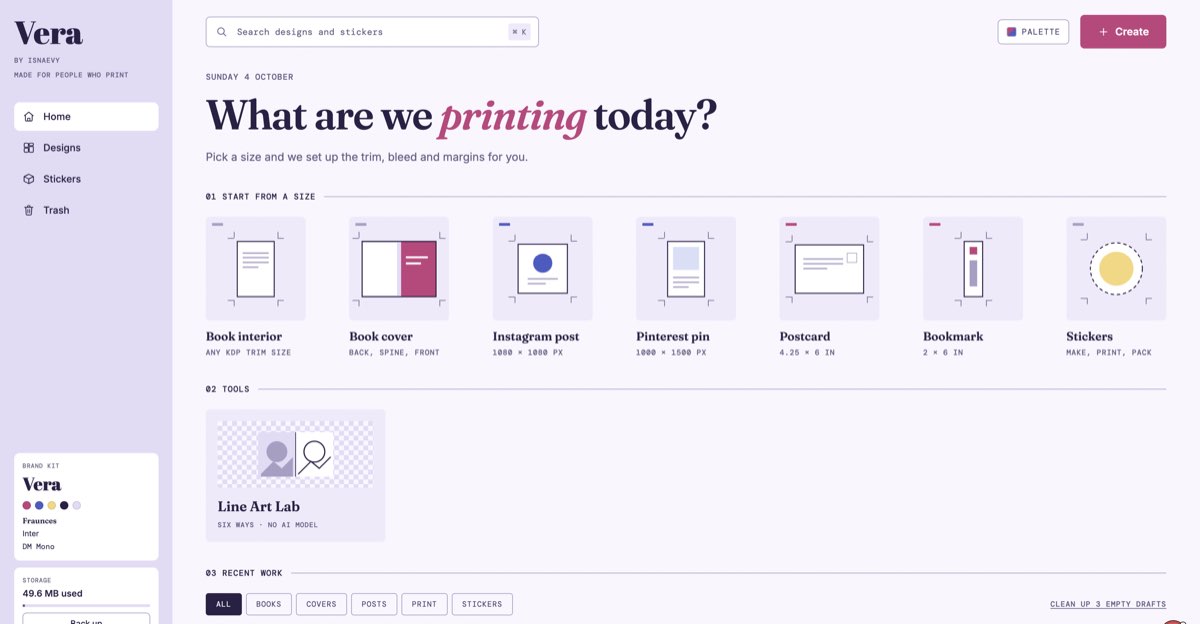
For a design canvas, the work is in the relationship between the object and its controls. Selection, movement, resizing, text editing, layers, and export all matter because they shape how directly a person can change what they see. A powerful editor can still feel difficult if the interface makes the current selection or next available action unclear.
For a score player, the corresponding question is whether notation and playback stay connected. The score is not merely an upload; it is the thing a musician is trying to understand. Following a part, slowing playback, and hearing the passage should support one another. When those pieces drift apart, the tool stops helping the player make sense of the music.
One small experiment before adding a feature
Pick one common task—change a text element, or replay a short passage—and observe where the user hesitates. Is the control hard to find? Is the feedback too subtle? Did the interface lose the user's place? This kind of focused observation is more actionable than asking whether the whole product “feels intuitive.”
That is also how I think about feature requests: start from the user’s next action, then decide whether a new control, a clearer state, or a simpler flow would help. A feature list describes what software contains. A useful tool is judged by what someone can accomplish with it.